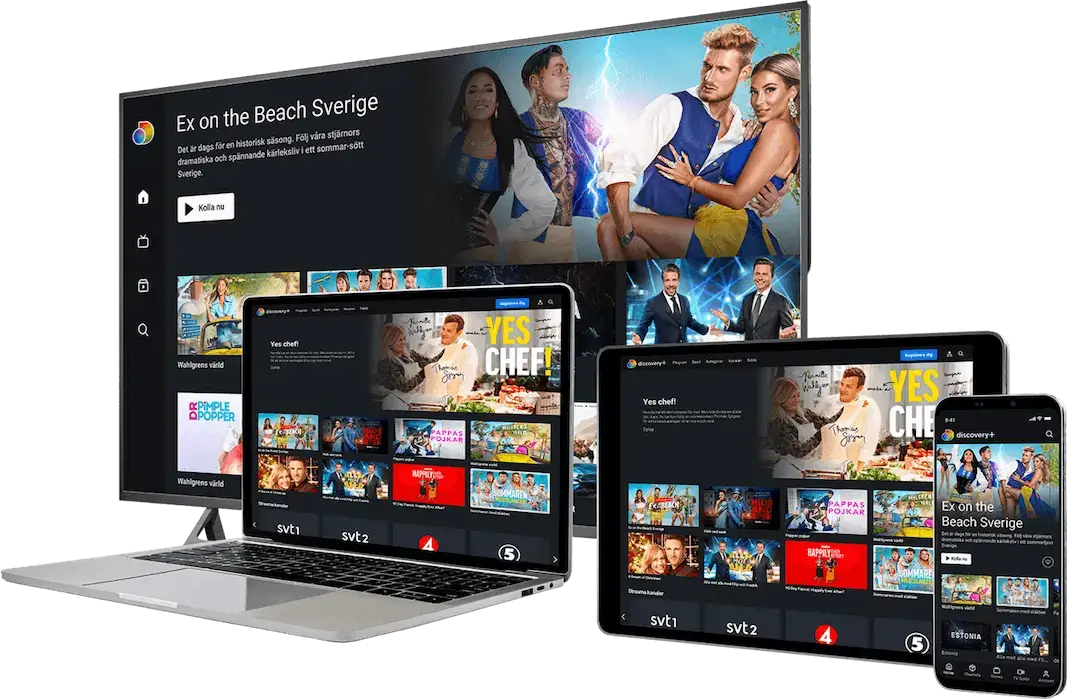
Welcome to the official IPTV UK Subscription PRO installation portal. To ensure you enjoy the best iptv in uk with zero buffering and 4K clarity, please follow these expert-led steps carefully. Our PRO guides are designed to help you activate the best iptv in uk on any device in under 5 minutes.

best iptv in uk

Official Setup Interface for the Best IPTV in UK

UK PREMIUM SETUP | IPTV Subscription in UK

App Configuration - IPTV IN UK Pro

Follow the steps below to activate your iptv subscription in uk on your favorite player.

IPTV Smarters Pro Setup

1 Download the app via Downloader (Code: 78522) or App Store.
2 Open the app and select "Login with Xtream Codes API".
3 Enter Any Name in the first box.
4 Enter the Username, Password, and URL we sent to your email.
5 Click "ADD USER" and wait for the channels to download.
Note: This is the most stable app for beginners using an iptv subscription in uk.

TiviMate Setup (Recommended)

1 Install TiviMate via Downloader: tivimates.com/tiviapk
2 Open app > Add Playlist > Xtream Codes.
3 Enter your Server URL, Username, and Password.
4 Ensure "Include VOD" is checked for movies.
5 Click Done and enjoy the best EPG interface in the UK.
Pro Tip: TiviMate offers the closest experience to traditional UK cable TV boxes.

HotPlayer Setup

1 Search for HotPlayer in your Smart TV Store (LG/Samsung) or Firestick.
2 Open the app and find your MAC Address and Key on the screen.
3 Visit hotplayer.app on your phone/PC.
4 Enter your MAC/Key and upload the M3U URL we provided.
5 Restart the app on your TV.

IBO Player Setup

1 Install IBO Player from your device's app store.
2 Open the app and note the Device ID and Device Key.
3 Go to iboplayer.com/device/login.
4 Add your Xtream Codes details or M3U Playlist URL.
5 Save and Refresh the app on your device.
Warning: IBO Player is a paid app with a 7-day free trial.
1

Download Your App

Install a supported player like IPTV Smarters Pro, TiviMate, or IBO Player. These are optimized for the best iptv in uk performance.

2

Enter PRO Credentials

Check your email for your IPTV UK Subscription PRO login details. Enter your Username, Password, and the Server URL provided.

3

Update Content

Allow the app to load the 22,000+ channels and VOD library. You are now ready to stream the best iptv in uk!

PRO PLAYER SUPPORT

Best Apps for IPTV UK Subscription PRO

To experience the best iptv in uk, you need a high-performance player. Our servers are fully optimized for these industry-leading applications.

HP

HostPlayer

The recommended choice for IPTV UK Subscription PRO. HostPlayer offers a sleek interface and lightning-fast channel switching for the best iptv in uk users.

Android / Firestick
IS

IPTV Smarters Pro

The most popular app worldwide. It allows you to organize the best iptv in uk content into categories, including Live TV, Movies, and Series with ease.

iOS / Android / Samsung
TM

TiviMate

Designed specifically for large screens. TiviMate provides a professional EPG (TV Guide) experience that makes navigating the best iptv in uk feel like premium cable.

Firestick / Nvidia Shield
XC

XCIPTV Player

A simple, powerful, and reliable player. Ideal for those who want the best iptv in uk experience without complicated settings. Works perfectly with our PRO servers.

Android Box / Tablet

Why App Choice Matters for the Best IPTV in UK

Using the best iptv in uk requires an app that can handle high-bitrate 4K streams. Whether you prefer TiviMate for its professional interface or HostPlayer for its speed, our IPTV UK Subscription PRO service ensures compatible streaming across all platforms. By pairing our premium UK servers with these players, you eliminate buffering and unlock the full potential of your subscription.

Troubleshooting Tips

๐Ÿ“ก

Check your internet connection. A stable connection of at least 15-20 Mbps is recommended for HD streaming.

โš ๏ธ

Ensure your M3U URL or Xtream Codes API details are entered correctly. They are case-sensitive.

๐Ÿ”„

Update your IPTV player app to the latest version.

โ–ถ๏ธ

Restart your device and your router/modem.

โš–๏ธ

If using a VPN, try connecting to a different server or temporarily disabling it to see if it resolves the issue.

๐Ÿงน

Clear the cache of your IPTV player app.

โ„น๏ธ

Some ISPs may block IPTV services. If you suspect this, a VPN can often help bypass these restrictions.

Need more help?

Check out our other resources to get the most out of the best iptv in uk:

WE ARE ONLINE - 24/7 SUPPORT

Need Help? We Are Always Here

Contact our dedicated support team 24 hours a day, 7 days a week for instant activation or technical help for your IPTV Subscription.

โšก Instant Delivery
๐Ÿ›ก๏ธ Secure Payments
๐Ÿ‡ฌ๐Ÿ‡ง UK Optimized Servers